
Name-Based Case Searches
Boone case records live in Nebraska's statewide JUSTICE system. There is no county-built portal for them. The entry point is the Nebraska Judicial Branch case-information service, which lays out the online, subscriber, detail, document, and courthouse-terminal channels. The paid one-time route offers a party-name search. Keep two things in mind as you type. The name field looks for a litigant or defendant, never a witness, and the court's recorded spelling is the one that matches.
Start broad so you do not screen out the Boone record you want. A last name alone can work as a first query. Narrow with a first name, middle initial, suffix, county, court type, or year only as the result set demands. The official preview shows individuals entered as "Last Name, First Name, M, Suffix." An organization goes under the Entity selection instead.
- Open the official JUSTICE route and review the terms before beginning a Boone County case search.
- Enter the party name and choose Individual or Entity based on the court record.
- Add Boone County, then select County Court or District Court when that distinction is known.
- Use case year, type, subtype, judge, or attorney only to narrow a broad result.
- Confirm the matching case detail before relying on its Register of Actions or public image links.
| JUSTICE field | Use in a Boone search | Important limit |
|---|---|---|
| Party Name | Primary name search for an individual or entity | Searches a party, not a witness |
| County | Narrow to Boone County | County means filing court, not a party’s residence |
| Court Type | Choose County Court or District Court | Use only when the court level is known |
| Case Year / Type / Subtype | Refine an overbroad result | Do not invent the portal’s live option labels |
| Judge / Attorney / Sort | Optional filters and display controls | Attorney is not a party or witness field |
Boone JUSTICE Search Fields
The JUSTICE preview lists its fields plainly. They include Party Name, Individual or Entity, County, Case Year, Court Type, Case Type, Case Subtype, Judge, Attorney Name, Sort By, Sort Order, and an optional Client Memo. Boone County appears as a multi-select county filter. The preview is a demonstration of field labels, nothing more. The live service governs the actual choices and any required payment steps.
Each filter answers a different question. Court Type separates Boone County Court from Boone District Court. Case Year reflects filing metadata, not the year of a hearing. Judge filters by assignment. Sort Order only changes how results display. Stacking several filters too early can hide a case whose stored label does not match what you assumed. For the court terms that surface in a case record, the official legal glossary is the reference the Judicial Branch publishes.
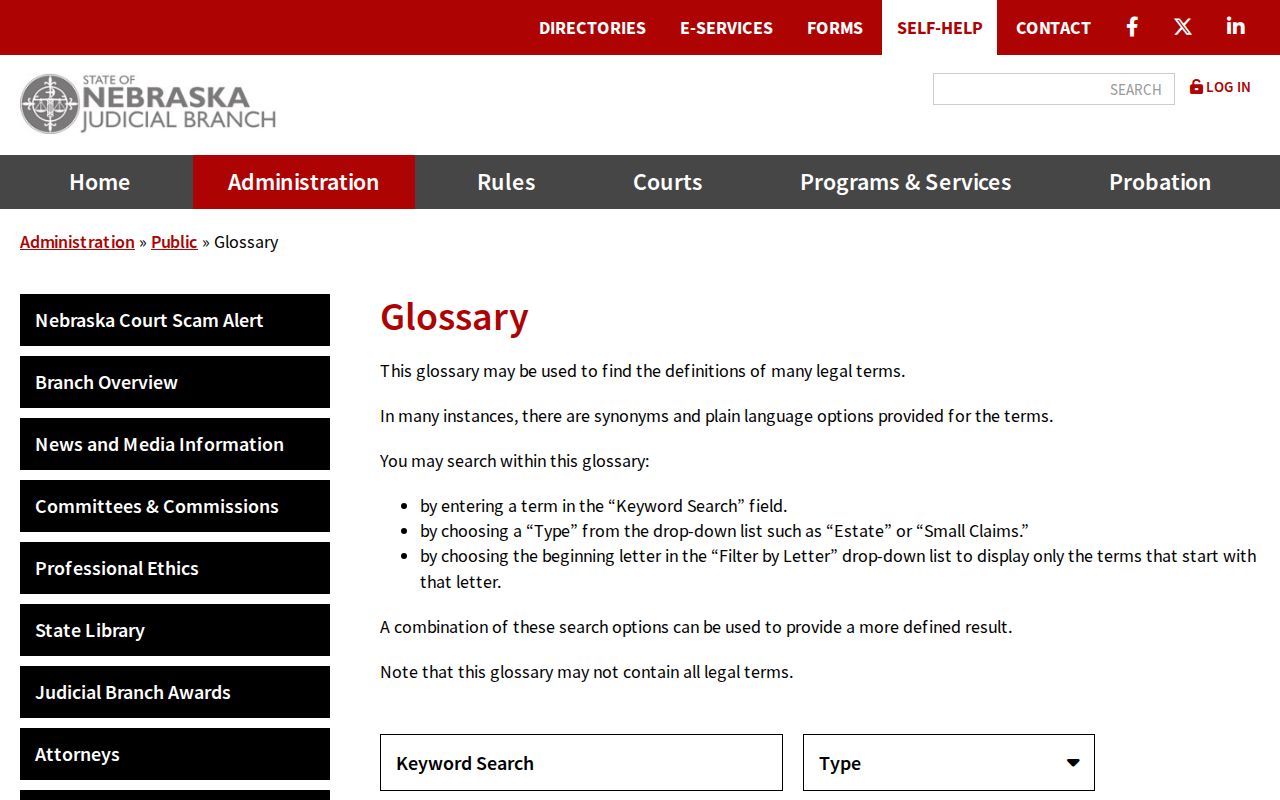
That glossary helps you read the terms in a Boone search result. Trust it over any guessed meaning for a local abbreviation.
Case Number Searches
With a case number in hand, a Boone search can move fast, especially at a courthouse terminal. Confirm the court and case type first, though. The same dispute can pass through County Court or District Court at different stages. Nebraska's records-maintenance materials describe a case ID. It carries court case type, year, initial filing, and sequential-number information. The number the portal displays is the one that controls. Do not decode a letter or digit into a private case category unless the interface labels it that way.
A safe schematic, not a Boone sample number, is case type / year / initial filing / sequence. Even with a number, check the returned details. Compare the court, county, filing date, and subtype against the record you mean to find. A calendar case number may point to a single setting. The Register of Actions gives the fuller sequence of events. Boone County posts no public case-number legend. The labels JUSTICE displays are more reliable than a guessed local code.
Boone Name Search Format
The Individual or Entity toggle is a real search decision. For a person, the official preview gives the pattern "Last Name, First Name, M, Suffix." A last-name-only query works. Use it when the middle initial or suffix is unknown. A business or other organization belongs under Entity. The toggle changes how a name is read. An apparent Boone no-result may simply be a format mismatch rather than a missing case.
- Party
- A person or entity listed in a court case, such as a plaintiff, defendant, petitioner, or respondent.
- Case type
- The broad JUSTICE classification, such as criminal, civil, traffic, juvenile, or probate.
- Case subtype
- A narrower classification within the broad case type.
- Caption
- The case title that identifies the parties’ roles, subject to public-access limits.
The client memo field belongs to the paid-search invoice context. It is optional, and it does not filter the court's case record at all.
Case Search Results Explained
A Boone result can include a case summary. It can also include a party listing, a Register of Actions, judge notes where applicable, financial information, criminal offense information where applicable, and available public images. The summary is the high-level view. The Register of Actions is the chronological event record. A filed document image, when available, is a third product entirely. Each one answers a different question about the same case.
| Case summary | Court, case number, county, filing date, type, subtype, judge, parties, and outcome if entered. |
|---|---|
| Register of Actions | Chronological filings, settings, motions, orders, judgments, payments, and other dated events. |
| Calendar | Public setting information such as a case number, caption, date, time, and location when posted. |
| Image link | A possible public document image, not a promise that every filing has an image or is open for viewing. |
| Financial information | Court costs, fees, fines, restitution, judgments, and payments where the case type makes them relevant. |
A search result does not prove that every paper in the Boone file is public, and it does not certify the information shown. A certified record still comes from the clerk by request.
Boone Recent Case Search Delay
JUSTICE reports at least a 24-hour lag between an entry and search visibility. A recently filed Boone matter can be absent temporarily. Older coverage has its own boundaries: Boone District Court begins in December 1999, criminal and traffic in June 2000, civil and small claims in October 2000, and probate, adoption, and juvenile in January 2001. Pre-installation records may or may not exist electronically.
When a recent Boone case is missing: verify court type and spelling first, then allow for the entry lag. If a hearing date, continuance, or warrant-related question is urgent, call the court clerk rather than assuming the online result is final.
The JUSTICE backlist holds the Boone installation-date history. A blank result near an installation boundary is a signal to follow up with the clerk or a courthouse terminal.
Two Ways to Search: County and State
Boone County never built its own public docket portal. The online layer is the statewide JUSTICE system. The Boone County Courthouse adds two local routes: a public terminal inside the building and the clerk's counter. Every route taps the same trial-court case-management system. The terms differ, though. A one-time online docket search costs money and runs on a short clock, while the courthouse terminal is the documented free electronic channel for looking up a case by party name or case number.
| Access channel | Best use | Limit to remember |
|---|---|---|
| JUSTICE one-time online search | Statewide public search from an online device | $17 per search, no-result charge, 30-case ceiling, three-day access |
| Boone courthouse terminal | Free public electronic search by party name or number | Restricted, sealed, and unconverted material still may not appear |
| Boone court clerk | Record-copy, certified-copy, and procedural access questions | Clerk direction does not make a restricted record public |
Subscriber access is a third thing entirely. The public service describes it separately, and it is not a one-time paid search, an eFiling account, or the Boone courthouse terminal.
Boone Courthouse Case Search
Skip the web portal's one-time fees and result caps and use the free JUSTICE terminal at the Boone County Courthouse. That machine is the practical local fallback. It covers you whenever an online search charges by the lookup, truncates results, or leaves you without a document image. The courthouse serves two court levels, as the official pages for Boone County Court and Boone District Court confirm. Come prepared. A case number is best. Without one, bring the party's exact spelling, the rough filing year, and the court type, plus any document date or title you know, since a clerk request may follow. One limit stays in place at the terminal. Sealed, confidential, redacted, or paper-only material follows the same rules there as anywhere else.
Boone Court Clerk
Lisa Langan
Boone County Court / Clerk of the District Court
222 South 4th Street
Albion, NE 68620
402-395-6184
The official Boone clerk page lays out the court clerk's duties, covering dockets, records, judgments, and financial records. Note the split in county offices. The Boone County Clerk keeps administrative records, so court-file requests belong with the court clerk first.
Which Cases Stay Restricted
Nebraska's public-access rules open many court fields. Yet restrictions created by law, rule, or court order still stand. So a Boone case summary can be public. Its document image may sit redacted, sealed, unconverted, or simply unavailable. Separate limits apply to juvenile and adoption records, protected identifiers, presentence materials, confidential exhibits, and sealed filings. And if a party name returns nothing, that gap proves nothing about whether an event occurred.
Article 8 public-access material lists the electronic fields you can see and the courthouse-terminal channel. Sealing is not expungement. The adult-record sealing information explains the difference. Before treating a restricted record like an ordinary search result, ask the Boone court clerk whether a redacted public version exists and what procedure governs it.
Note: Court access rules attach to specific records and documents. An available case summary does not give you access to every attachment.
Boone Docket Search and eFiling
Nebraska Judicial Branch eFiling exists for authorized filing, service, and notices. It is not a public case-history display. A Boone docket searcher who wants a Register of Actions, case summary, calendar, or public image should go through the JUSTICE access channels or the courthouse terminal instead. Keeping the two systems straight saves you a dead-end login, and it keeps a filing-service account from being mistaken for a public case-search account. The Judicial Branch eFiling service spells out its eFiling, eService, and eNotice functions.
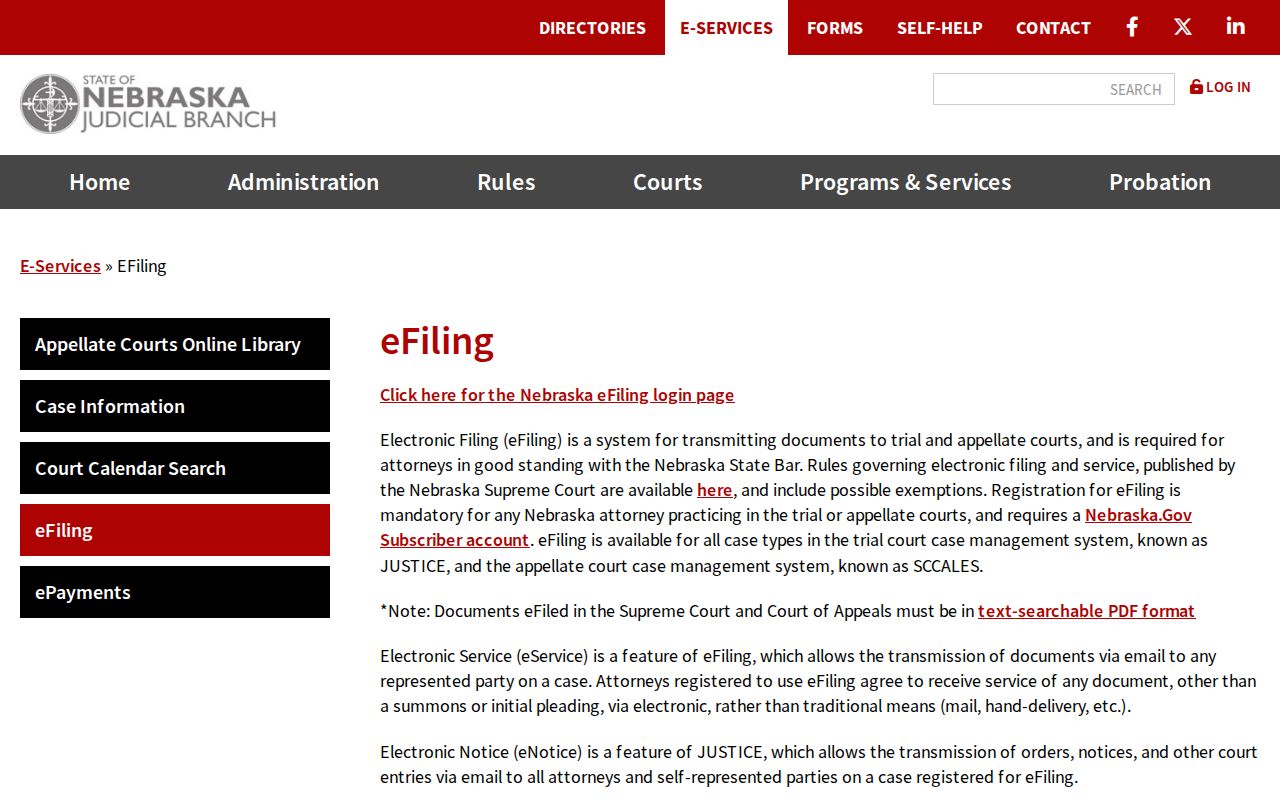
The eFiling source draws a clear line between filing a case and running a public docket search. Fees change, so check the live service before you pay for a search. A Judicial Branch fee-structure notice explains the state's shifting approach to online services.
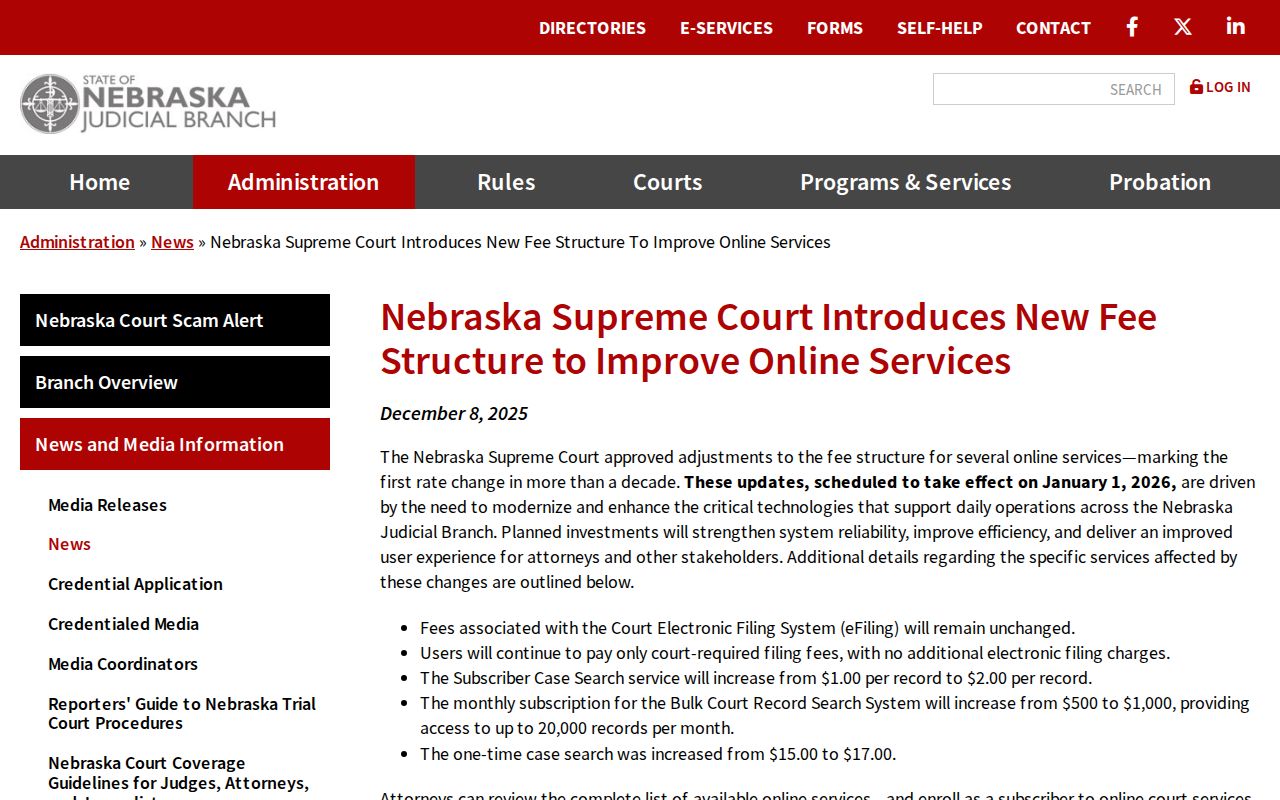
Older guides may quote a fee that no longer matches what the Boone County system charges. Check the live JUSTICE terms before you submit a docket search.